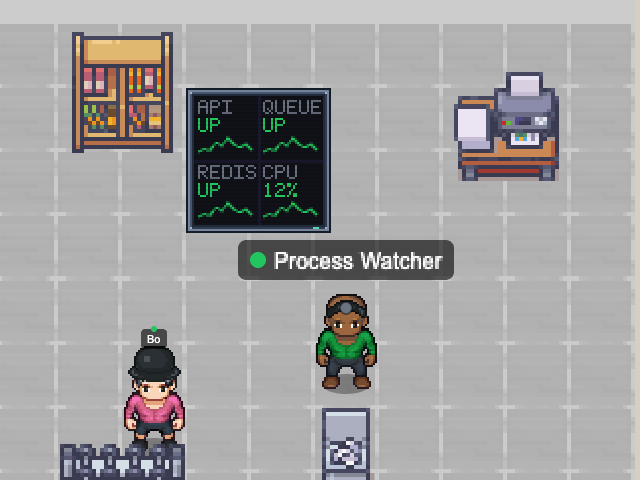
Watches processes such as nginx, postgres or your dev server by executable name. When one stops it announces "nginx died!" in the office; when it comes back, "nginx is back".
Also flags processes using too much CPU or memory. macOS, Windows and Linux.
- Beside it
- A dashboard wall listing each process with its CPU and memory.
- In the office
- Stressed while a watched process is down.
processesuptimehost
Add with the desktop app
Choose a map and configure this NPC. Runs while Nocville is open on your computer.
Open in NocvilleApp didn’t open? Download or update Nocville, then return here and try again.
Options
- --processes=<list>
- Process names to watch (required).
- --cpu-warn=<%>
- CPU warning per process (default 80).
- --mem-warn=<MB>
- Memory warning per process (default 500).
- --poll-interval=<ms>
- How often to check (default 15000).
- --name=<banner name>
- Name shown above the NPC.
- --service-id=<id>
- Run several of the same NPC with distinct ids.
- --map=<map name or id>
- Which office map to appear on (default: the team's first).
Click its NPC in the office to choose which room it works in.