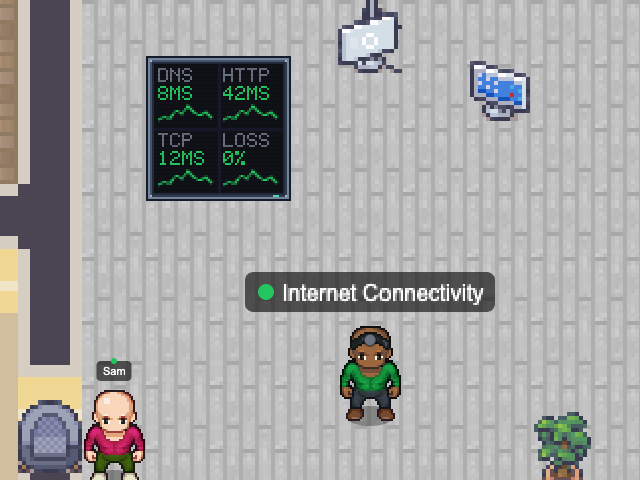
Checks DNS resolution, HTTP reachability and TCP latency every 30 seconds and calls out slow or failed checks — a quick way to see whether it is your network or the service.
- Beside it
- A dashboard wall with DNS, HTTP, TCP and overall network status.
- In the office
- Concerned on slow checks, stressed when offline.
networkDNSlatency
Add with the desktop app
Choose a map and configure this NPC. Runs while Nocville is open on your computer.
Open in NocvilleApp didn’t open? Download or update Nocville, then return here and try again.
Options
- --dns-hosts=<list>
- Hosts to resolve (default google.com,cloudflare.com).
- --http-urls=<list>
- URLs to request.
- --latency-hosts=<list>
- Hosts for TCP latency checks.
- --slow-threshold=<ms>
- When a check counts as slow (default 1000).
- --timeout=<ms>
- Give up on a single check after this long (default 5000).
- --poll-interval=<ms>
- How often to check (default 30000).
- --name=<banner name>
- Name shown above the NPC.
- --service-id=<id>
- Run several of the same NPC with distinct ids.
- --map=<map name or id>
- Which office map to appear on (default: the team's first).
Click its NPC in the office to choose which room it works in.